
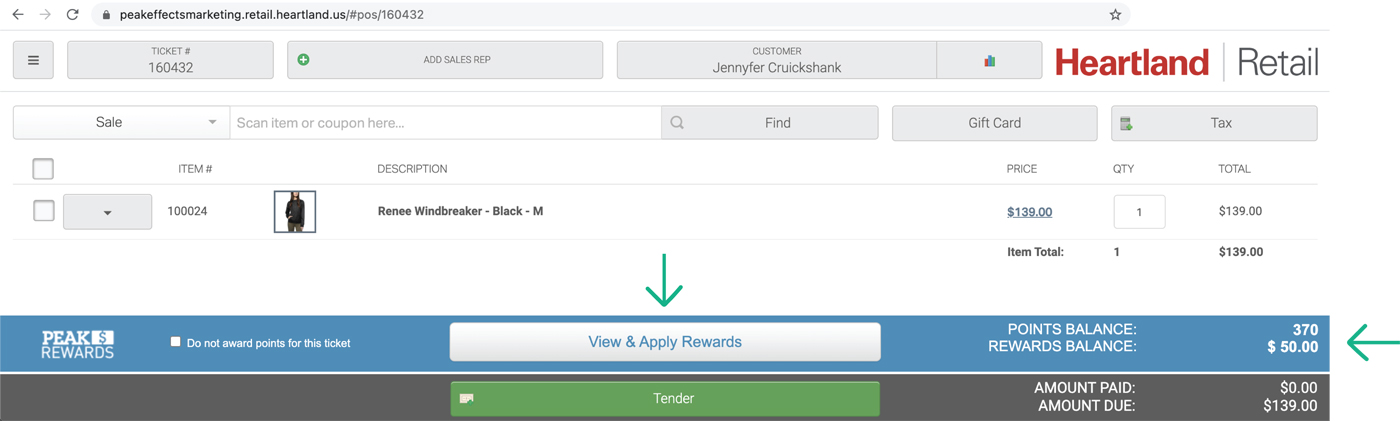
1. Pull up a customer: look for their reward balance in the lower right corner.
2. Add items for purchase.
3. Click “View & Apply Rewards.”

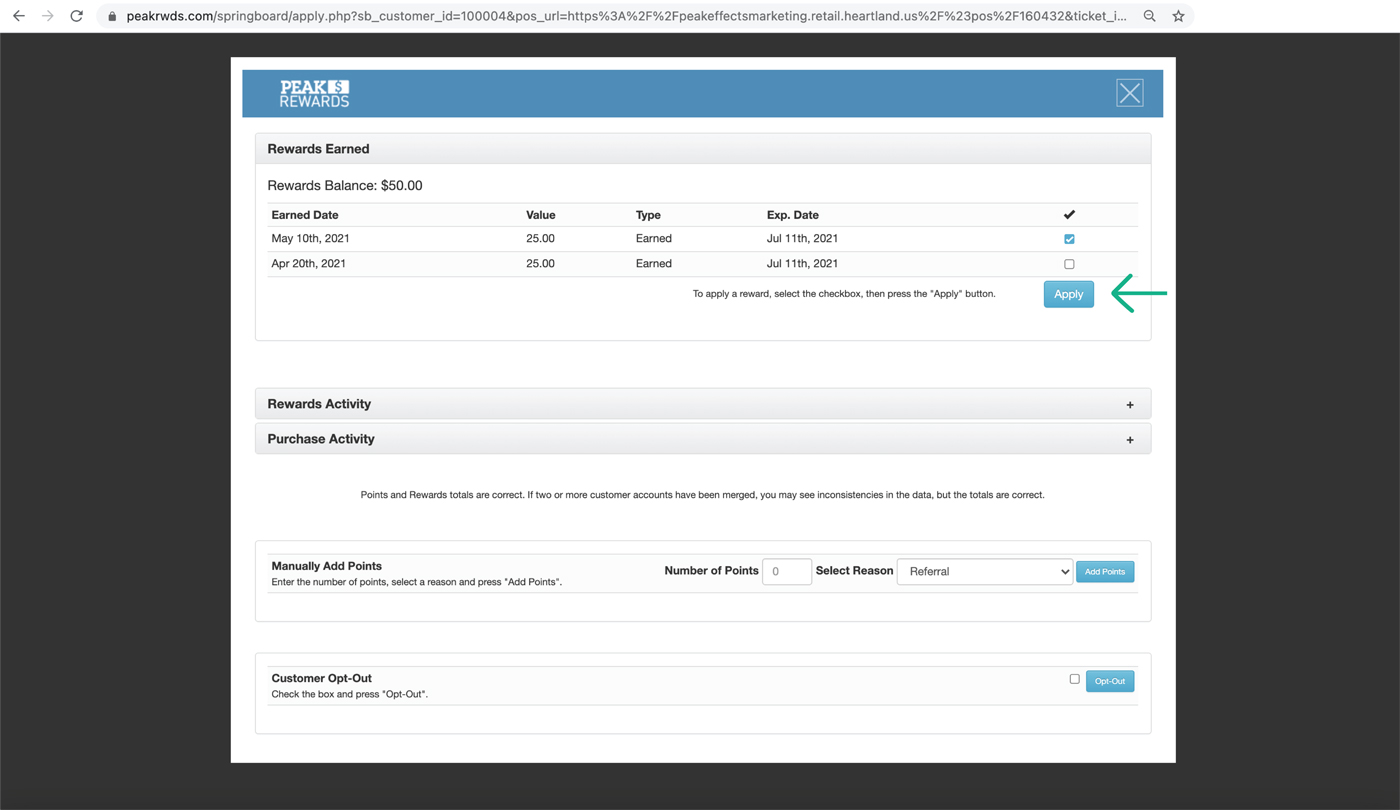
1. When the pop-up screen appears, click the checkbox next to each reward.
2. Click “Apply” and the pop-up will close.

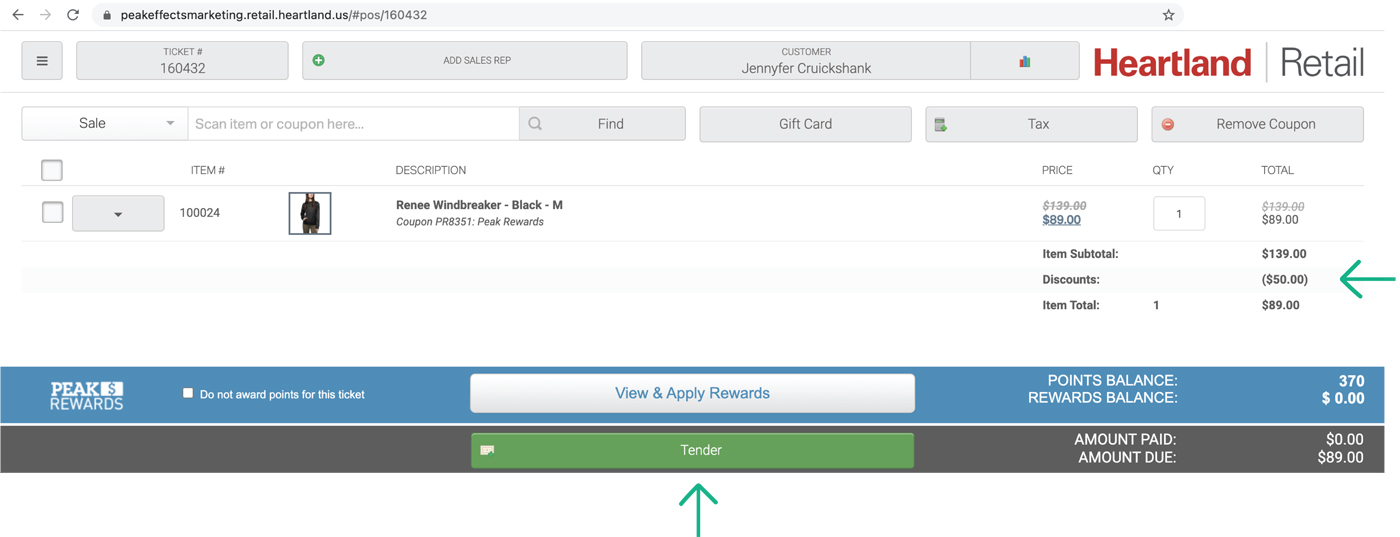
1. Tender payment and complete the transaction.
2. The customer will receive a “Thank You” e-mail the next day with their updated balance.